Creating your Contact Card

Updated: Nov 11, 2025

Carrying physical business cards is so passé!
A cleaner solution is to keep a shareable “business card” that others can scan via a QR code.
From the LinkedIn mobile app
Open the LinkedIn app on your phone.
Tap the search bar at the top of the homepage.

Tap the QR code icon that appears in the top right corner of the search bar.
Your personal QR code will be displayed.
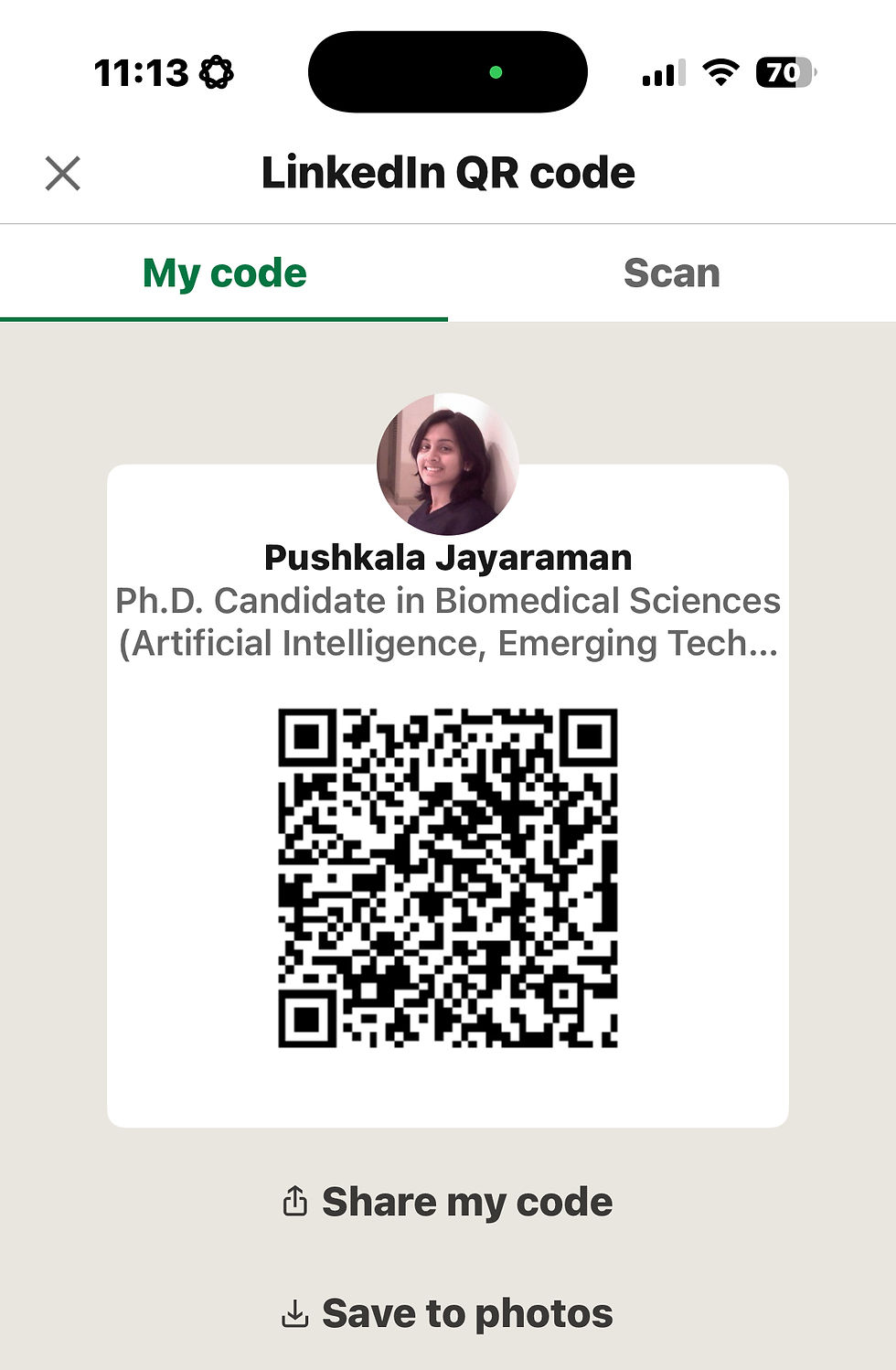
To save it, tap "SAVE TO GALLERY" to store a copy in your phone's photos.
Alternative method (desktop)
Go to your LinkedIn profile page on a desktop browser.
Copy the URL from the address bar.
Go to a free QR code generator website, such as QR.IO or QR Code generator
Paste the URL into the generator and create the QR code.

Download the generated image file.
No LinkedIn account
While sharing your LinkedIn profile is ideal, one can easily switch out the url to linkedIn to your professional email address or website. Follow the steps above for the same.


Comments